Visualization Gallery#
This gallery showcases pyiwfm’s visualization capabilities using sample models. Each example includes the code used to generate the visualization.
Contents:
Overview#
pyiwfm provides comprehensive visualization tools for:
Mesh Visualization: Display finite element meshes with nodes, elements, and boundaries
Scalar Fields: Visualize spatial data like hydraulic head, drawdown, and recharge
Stream Networks: Display stream node and reach connectivity
Stratigraphy: Visualize vertical layer structure and aquifer geometry
Time Series: Plot temporal data from wells, streams, and other monitoring points
Budget Plots: Display water budget components as bar charts, pie charts, and stacked plots
Mesh Quality: Visualize element aspect ratios, skewness, and angle distributions
Drawdown Maps: Diverging colormap drawdown visualization with contours
Convergence: Iteration count timeseries and mass balance error charts
Quick Start#
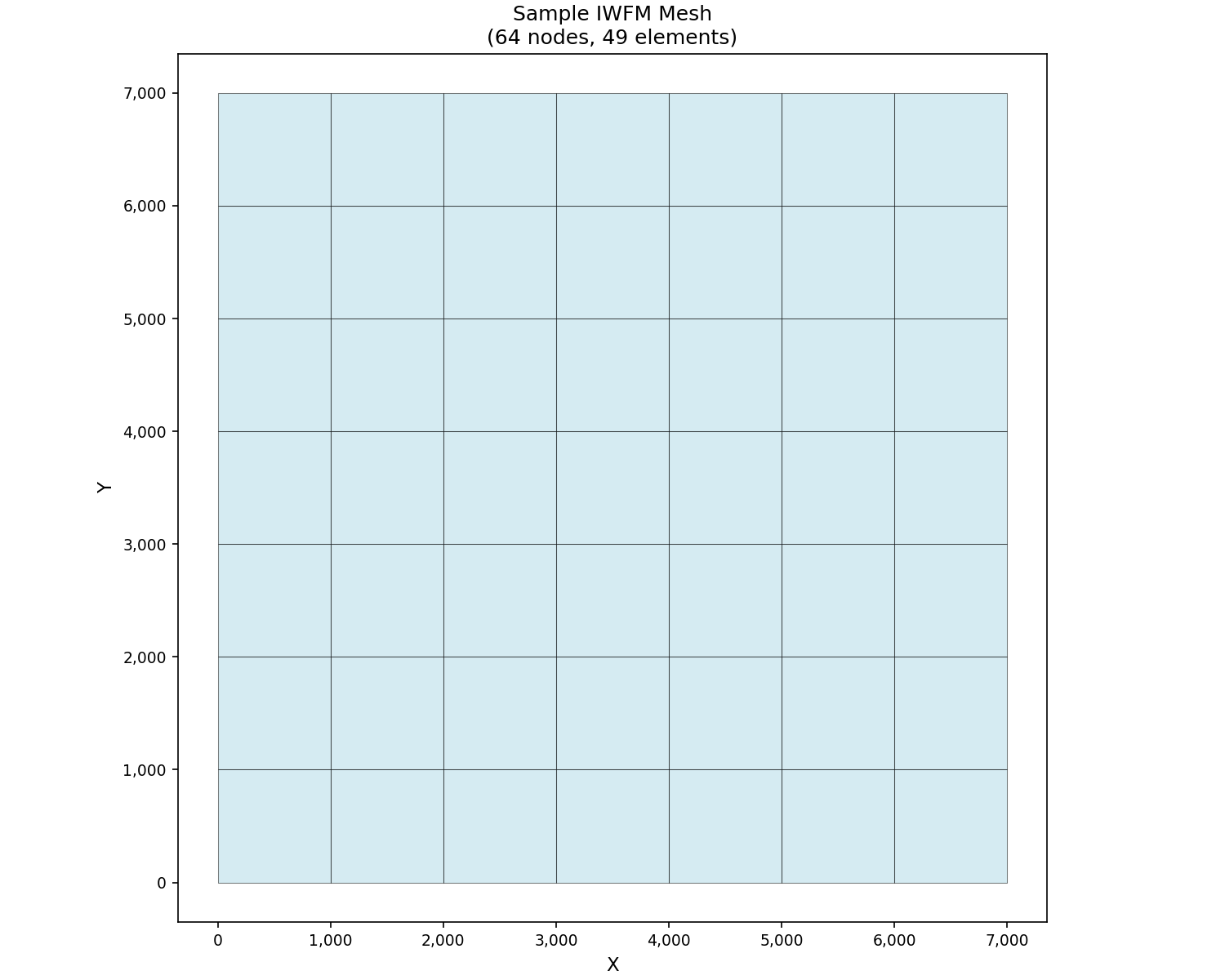
Here’s a quick example showing how to create and visualize a sample mesh:
import matplotlib.pyplot as plt
from pyiwfm.sample_models import create_sample_mesh
from pyiwfm.visualization.plotting import plot_mesh

# Create a sample mesh
mesh = create_sample_mesh(nx=8, ny=8, n_subregions=4)

# Plot mesh
fig, ax = plot_mesh(mesh, show_edges=True, fill_color='lightblue', alpha=0.5)
ax.set_title(f'Sample IWFM Mesh\n({mesh.n_nodes} nodes, {mesh.n_elements} elements)')
plt.show()
All visualizations in pyiwfm are built on matplotlib and return matplotlib objects that can be further customized. See the individual gallery pages for more detailed examples.